Save Template Layout
Save your custom drilldown layout for future reuse:
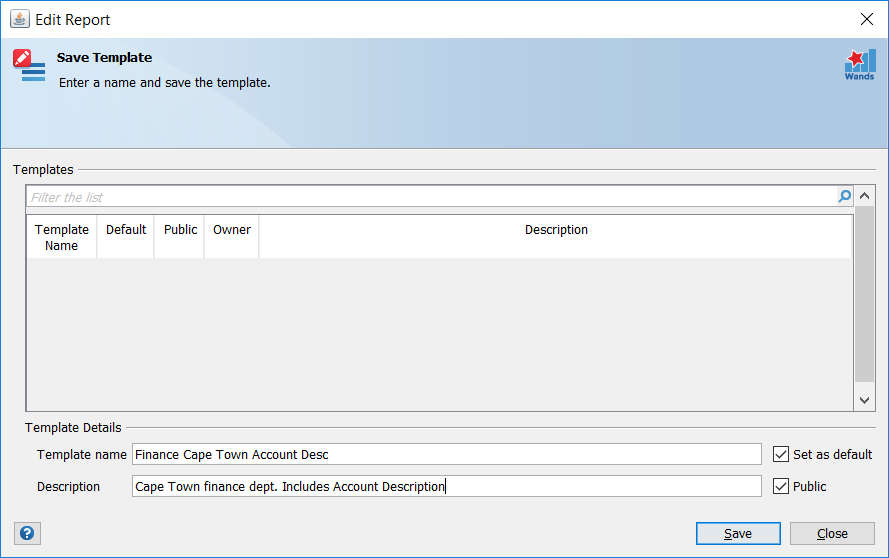
| Field Name | Description |
|---|---|
| Template Name | A new name used to identify the new template. |
| Set as Default | Set this template as the default to use when executing a drilldown. |
| Public | Mark the template Public. Public templates are stored in the Shared Templates Drive and are accessible by other users.
Note: Drilldown templates can only be marked Public if the Shared Templates Drive feature has been configured.
|
| Description | A description of the new drilldown template.
Note: The description field is only active if the drilldown template is marked as Public. |