List of Values Manager
The Multi Data Source (MDS) List of Values Manager allows administrators to create, edit and delete SQL list of values from other data sources, to be used with the MDS Report Definitions.
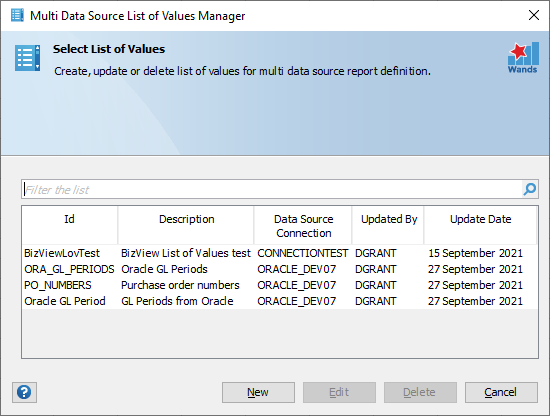 Create a New List of Values
Click on “New” to create a new MDS list of values. Enter the relevant list of values details, including the SQL, and select the appropriate data source connection. Click “Create” to validate the SQL and complete the process.

Note: The list of values only supports to two columns being returned by the SQL.
Edit a List of Values
Select the MDS list of values you want to update. Click on “Edit” to update MDS list of values. Click “Save” to finalize the changes.
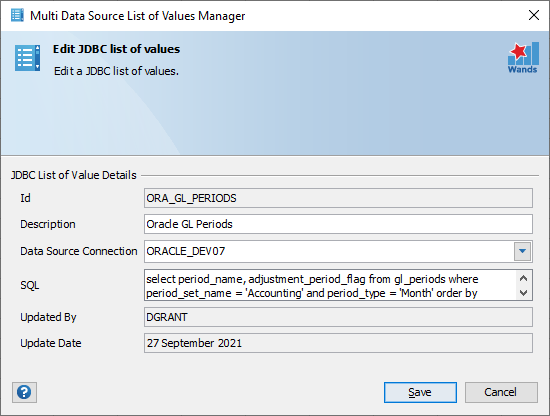
Delete a MDS List of Values
Select the MDS list of values you want to delete. Click on “Delete”, then “Delete” again to confirm that it is the MDS list of values you want to delete.
