Platform Portal
Before a user can launch Wands the Account administrator must capture the users credentials and license assignments using the Platform portal.
Sign In
To log in to the Platform portal use your web browser and navigate to https://app.insightsoftware.com
Enter your user email address to continue.
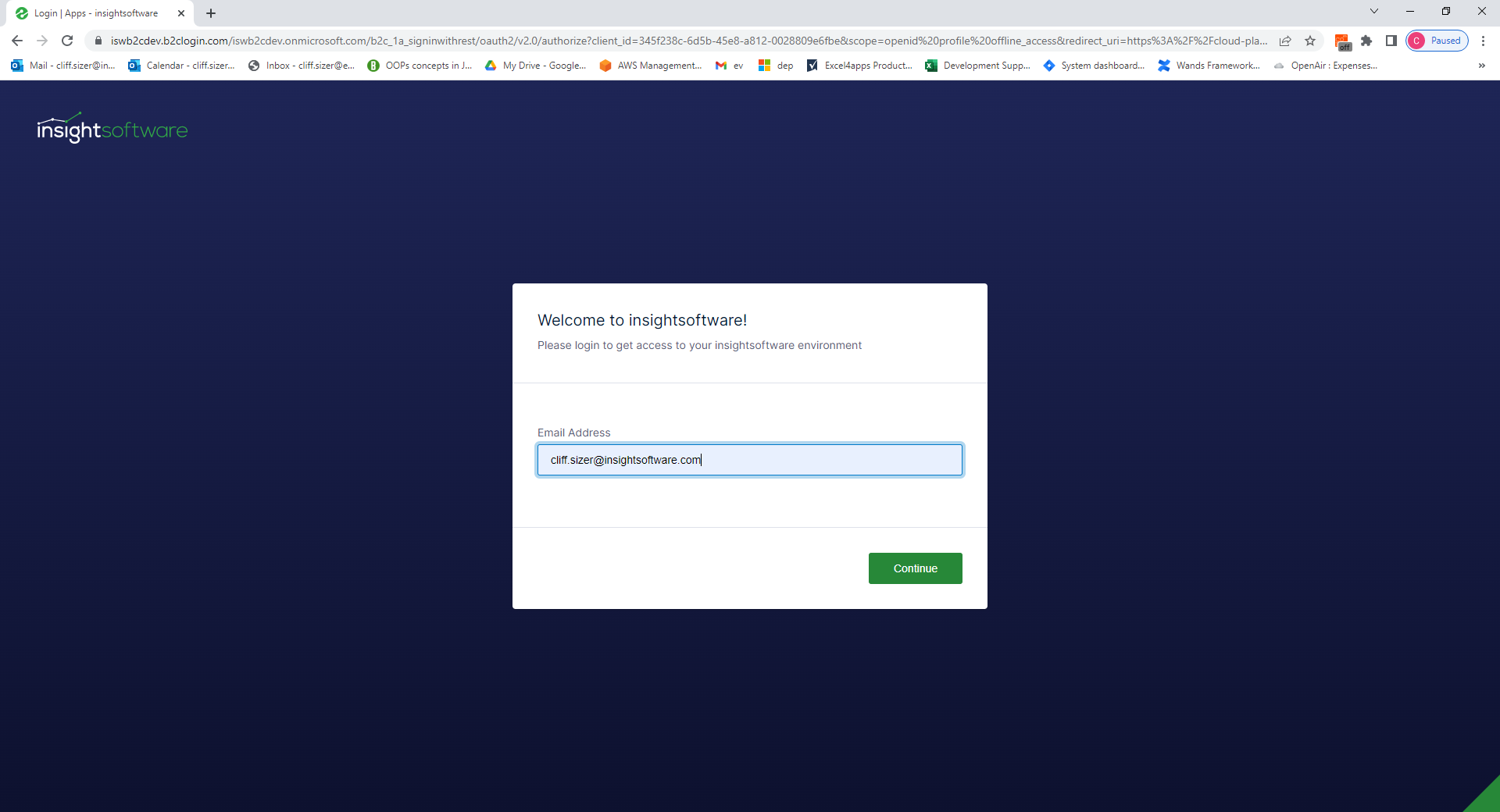
If a third party identity provider (for example Okta) is used enter the required user credentials and multifactor authentication codes.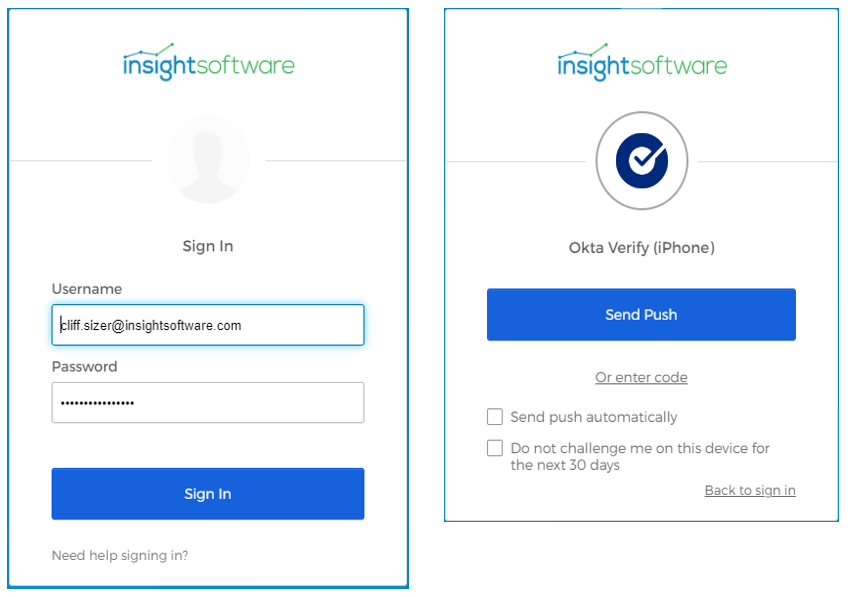
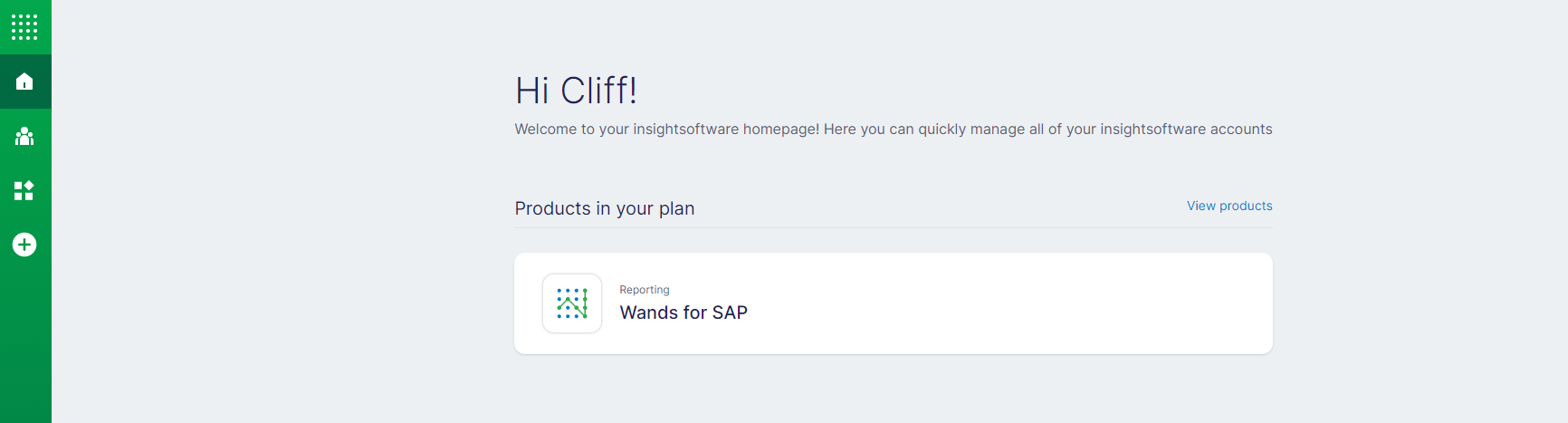
After successful authentication, you will be directed to the Platform portal home page showing:
- The products for which you currently have licenses
- If you are an account manager, you will see Users options on the green sidebar on the left side of the screen
- Information about other InsightSoftware products for which you currently do not have licenses
Sign Out
To log out of the Platform portal, you can go to the bottom of the green sidebar on the left of the page and click on the circle showing your user account initials. Then, click Logout.